Skip to content

Welcome to Crane Cloud Documentation
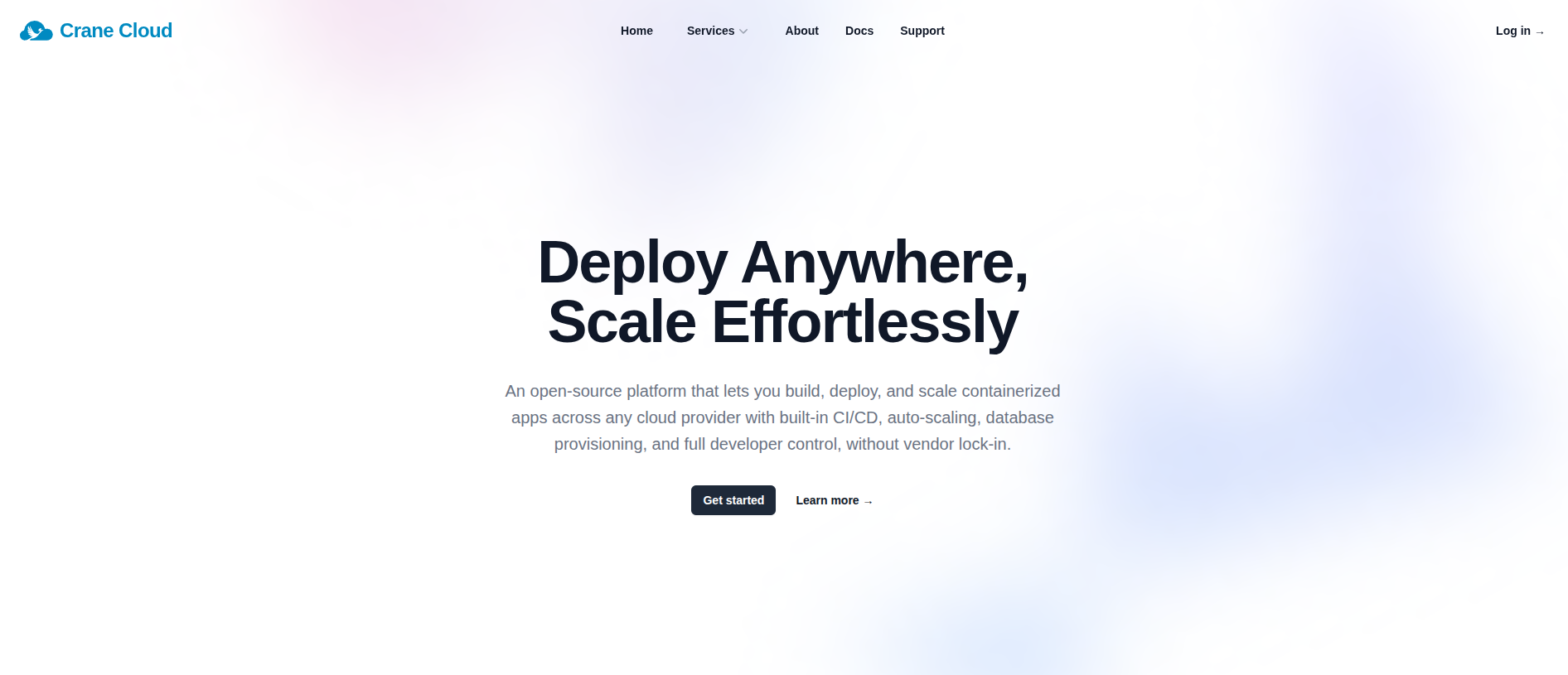
Crane Cloud is a fully managed cloud service platform designed to simplify your infrastructure. Whether you are deploying a simple web app, provisioning databases, or scaling complex machine learning models, we provide the tools you need so you can focus on writing code.


Getting Started

Ready to get your code into production? Getting started on Crane Cloud takes just a few minutes:

  1. Create an Account: Visit the Crane Cloud Dashboard to sign up.
  2. Create a Project: Organize your apps and databases, manage team access, and track resource usage effortlessly.
  3. Deploy: Connect your repository or push a Docker container to spin up your application and instantly receive a live, secure URL.

Documentation Overview

Navigate through our guides to learn how to get the most out of Crane Cloud:

  • Access Management: Dive into creating an account, managing logins, and handling password resets.
  • Projects: Explore project creation, updating, deletion, and how our billing works.
  • Applications: Learn the core concepts of configuring and deploying your applications.
  • Deployment Guides: Follow step-by-step tutorials to deploy common programming languages and frameworks (e.g., Node.js, Python, React).
  • Machine Learning Guides: Explore blueprints for deploying AI models (Computer Vision, NLP, Predictive Analytics), and learn how to spin up hosted Jupyter Notebooks for seamless data exploration and model training directly on our infrastructure.
  • Databases: Learn how to easily provision, connect to, and manage your databases.
  • Crane Cloud CLI: Discover our powerful command-line tool that enables seamless, scriptable interaction with Crane Cloud services.
  • Monitoring: Gain insights into how to read and utilize your project and application performance metrics.
  • Learning Tools: Access our developer resources, including the Self-Managed GitLab instance.

Core Capabilities

Crane Cloud abstracts away the complexity of DevOps. Our platform natively supports:

  • Application Deployment via Docker containers.
  • Real-time Monitoring and metric logging.
  • Service Scheduling for background tasks.
  • Auto-scaling & Replication to handle traffic spikes effortlessly.
  • Database Provisioning for rapid data storage setup.

Community & Resources

Stay updated with the latest features, tutorials, and deep-dives from our engineering team.